
From a brief to a live WordPress site, in six considered stages.
Digitalgate Studio walks you through every stage of a web project. Whether you ship for clients as an agency or you are building your own site, each step has its own surface, paced for work worth doing properly.
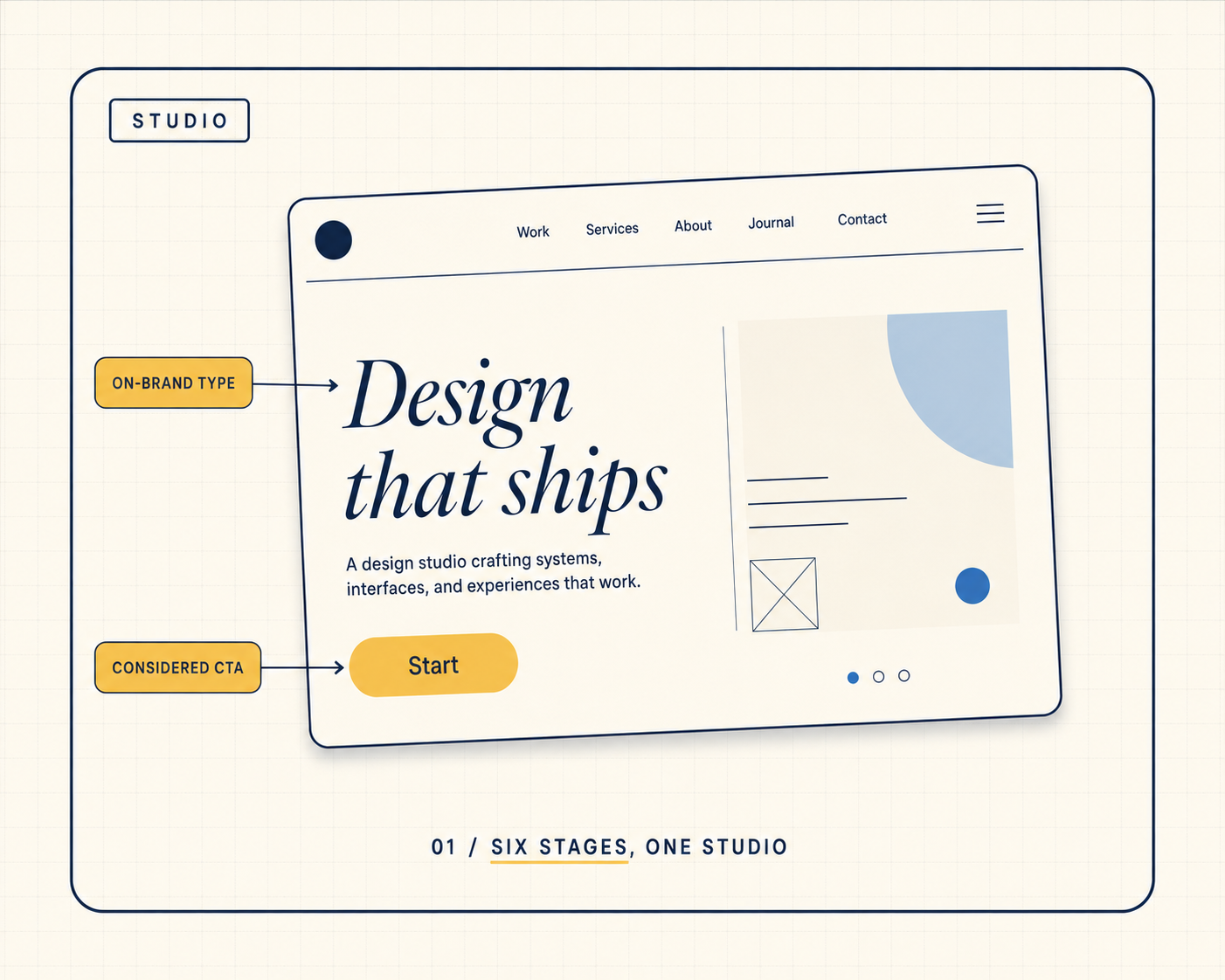
The workflow
Six stages, each with its own surface.
The studio does not bundle the work into a one-screen wizard. Each stage gets its own page, its own state, its own moment of decision. That is where craft comes from.
- 01
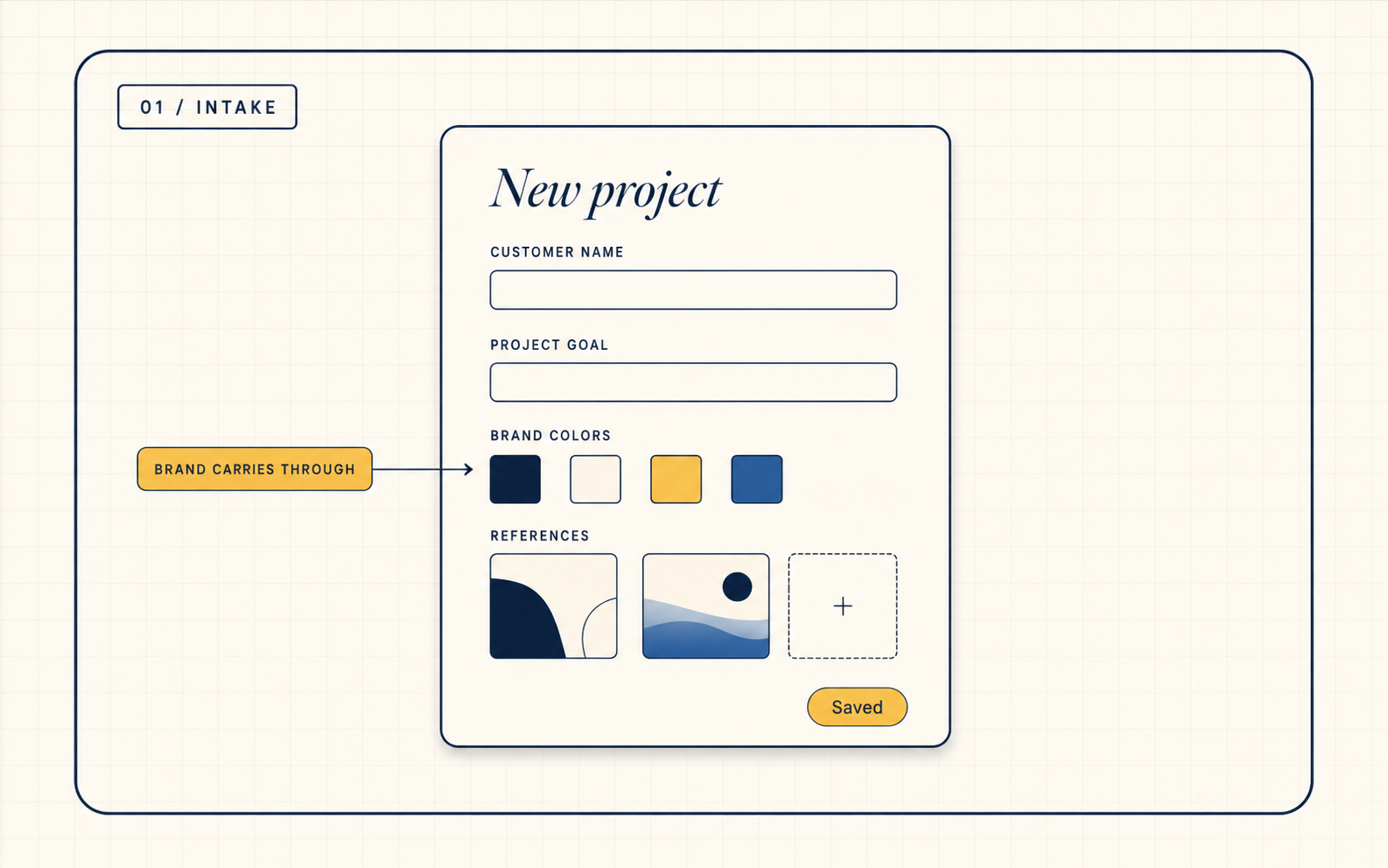
Intake
Capture the brief, every decision in one place
Project details, brand assets, references, inspirations and content goals captured in a single structured form. Every later stage reads from here.
No more lost emails or scattered Figma boards. The brief is the source of truth.
- 02
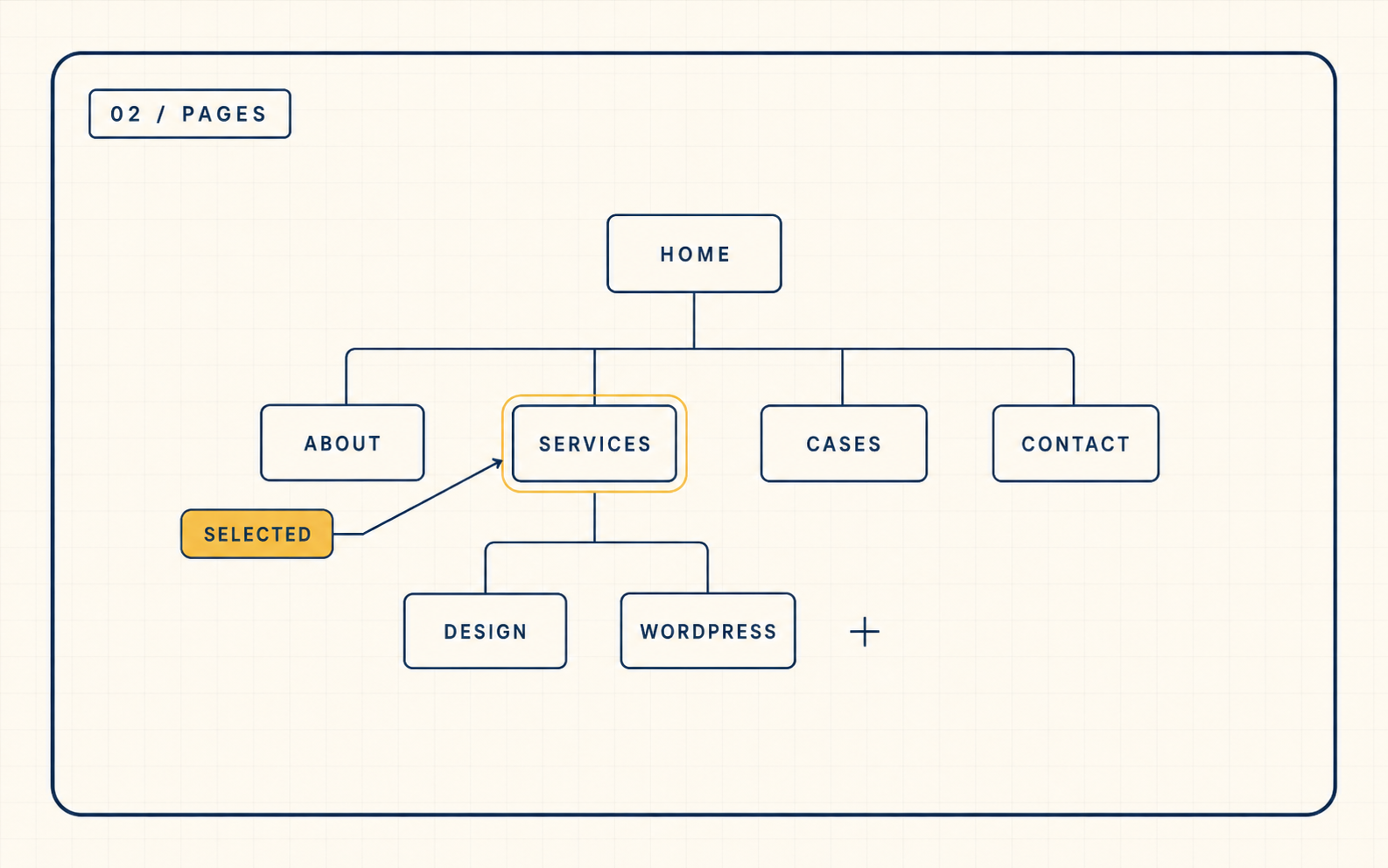
Pages
Plan the site, page by page
Map every page the site needs, ordered by priority. Decide what each one is for before a single section is chosen.
Architecture is locked before design choices start, so revisions stay small.
- 03
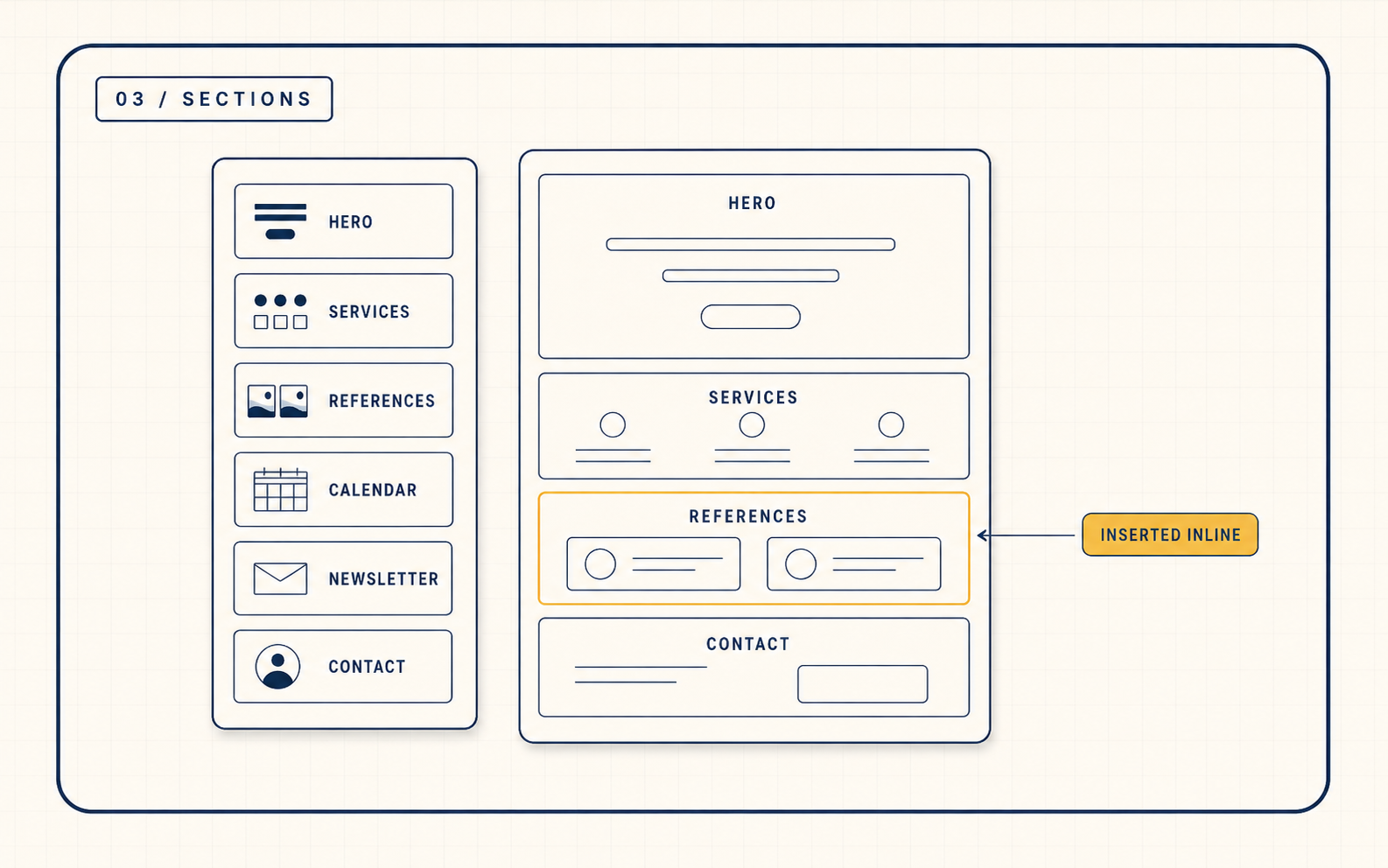
Sections
Decide what each page does
For every page, choose the sections that carry its job: hero, services, references, contact, calendar, news. Each section knows its role.
Site goals are mapped to concrete UI patterns, traceable later.
- 04
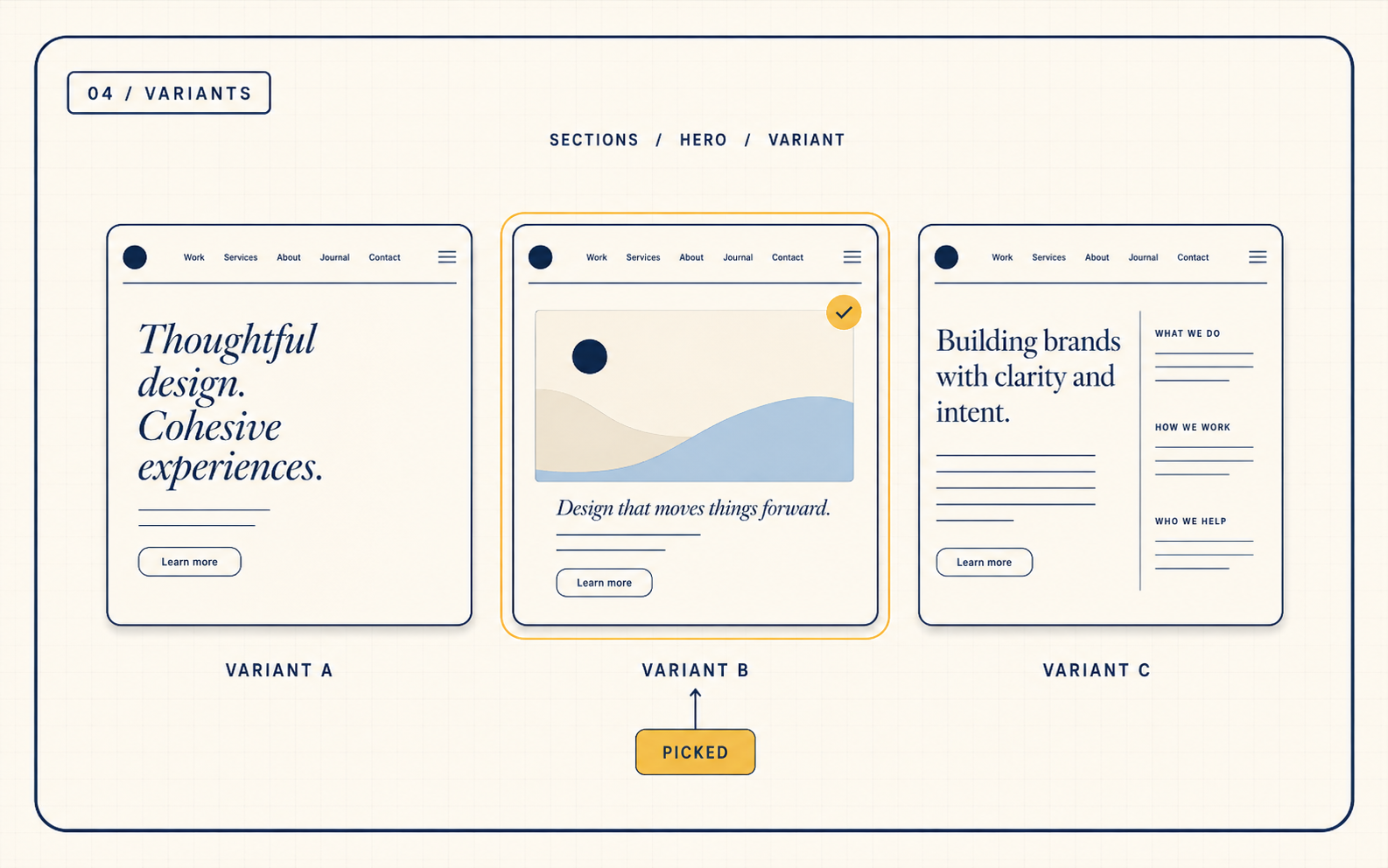
Variants
Pick how each section looks
Choose a visual variant for every section. Browse on-brand options, upload a custom reference, or let the studio decide from the brief.
The design direction is committed, with full visibility into every choice.
- 05
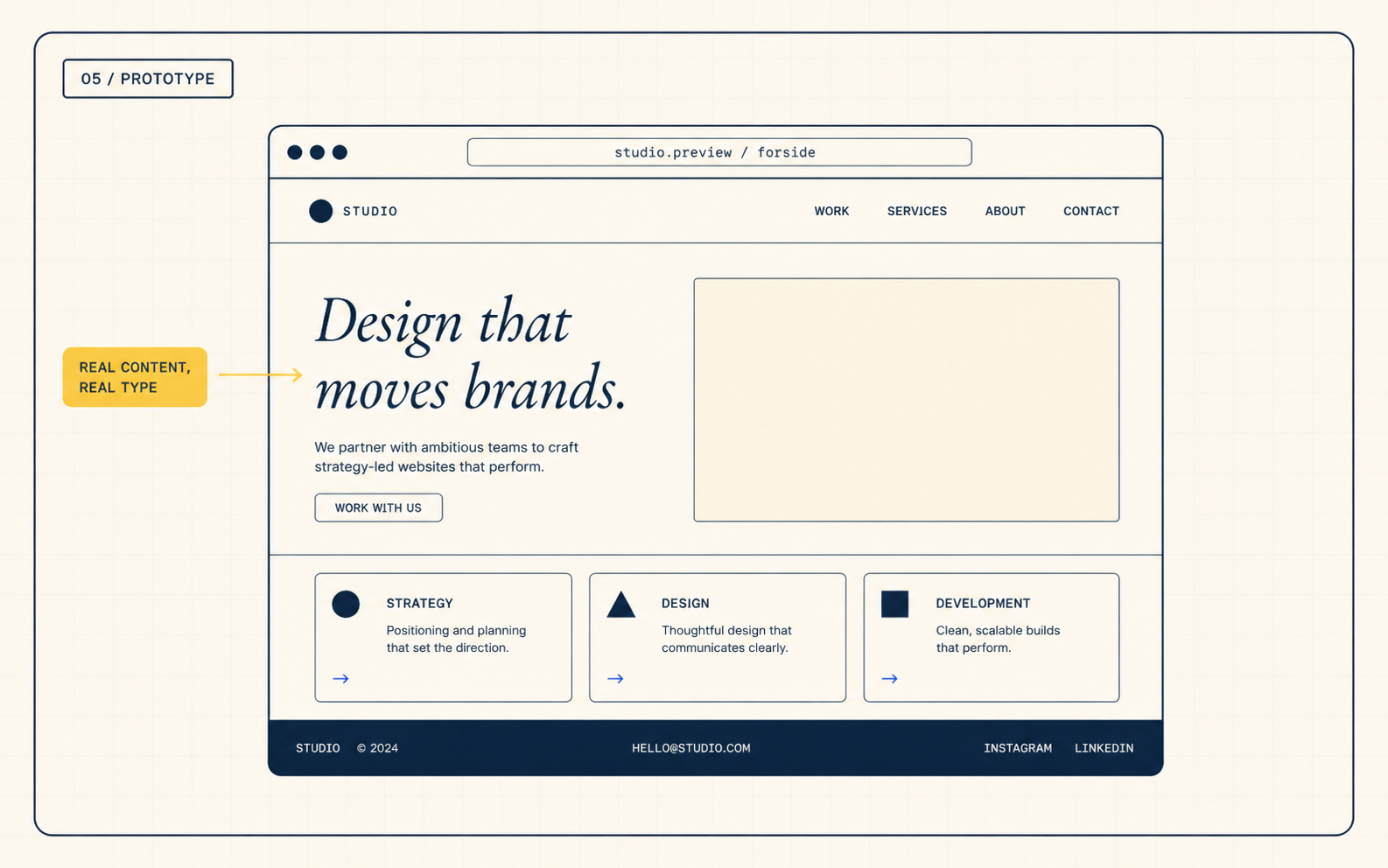
Prototype
Generate a clickable prototype
A live HTML and CSS prototype is generated from your choices, ready to share for review. Iterate inline, polish per page, harden per stage.
What you see in the prototype is what ships, before a line of WordPress is written.
- 06
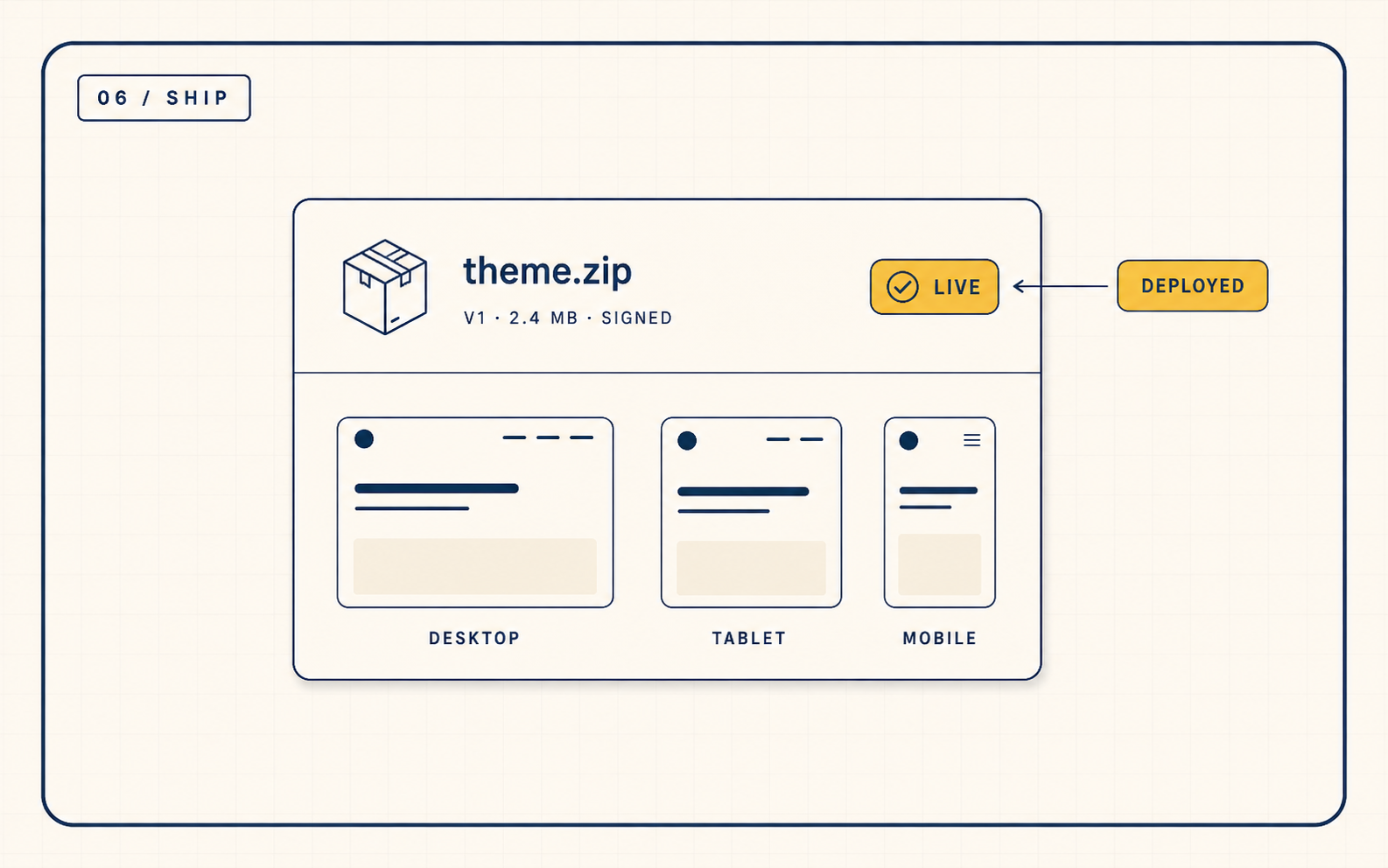
Ship
Deploy as a WordPress theme
The prototype becomes a complete WordPress theme, packaged and ready to install on the site's domain. Revision history travels with it.
From brief to a live site, end to end, with the full project log preserved.
Studio access
Sign in to Digitalgate Studio
See your projects, pick up where you left off, and keep shipping.
Sign in